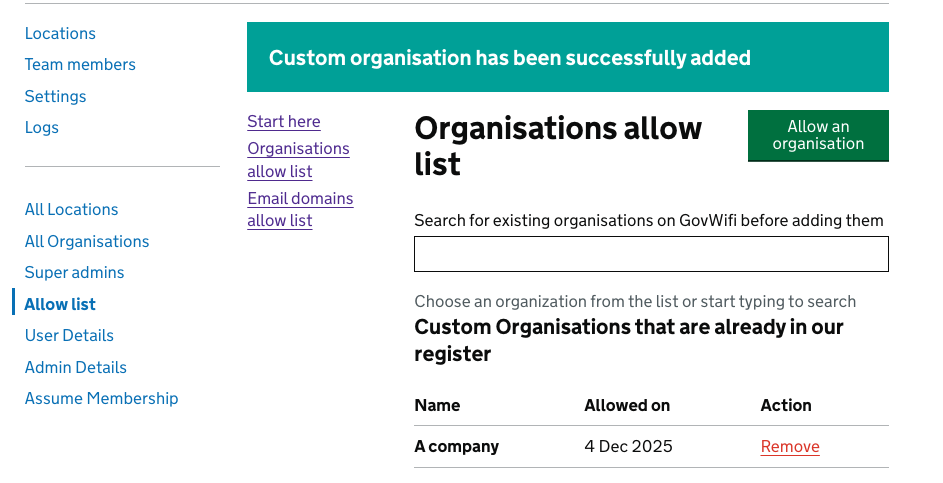
How to look up user details
- Once you have logged into the portal.
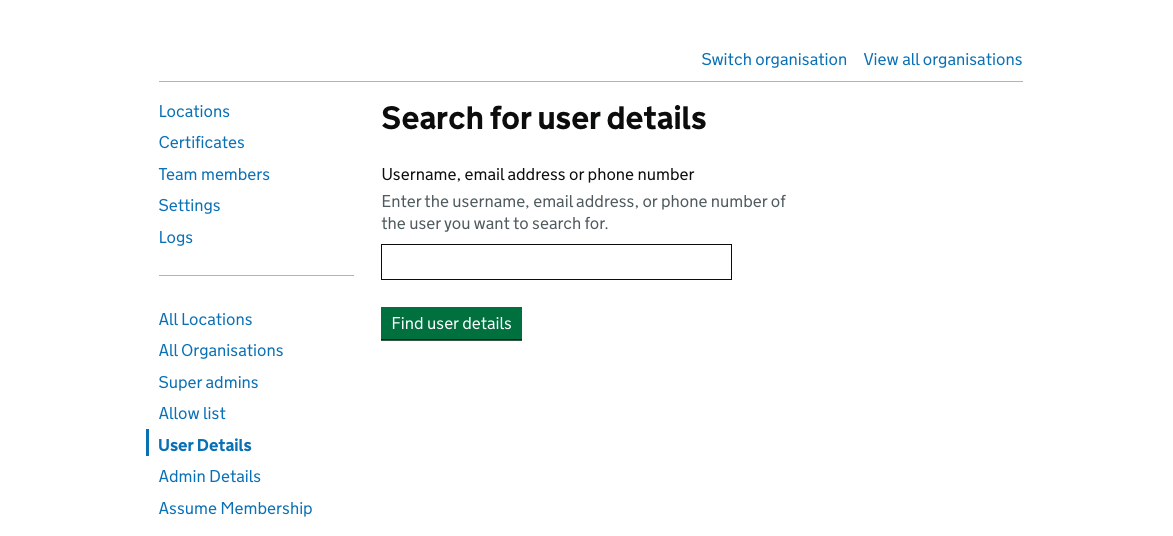
- On the left hand side menu - select ‘User Details’
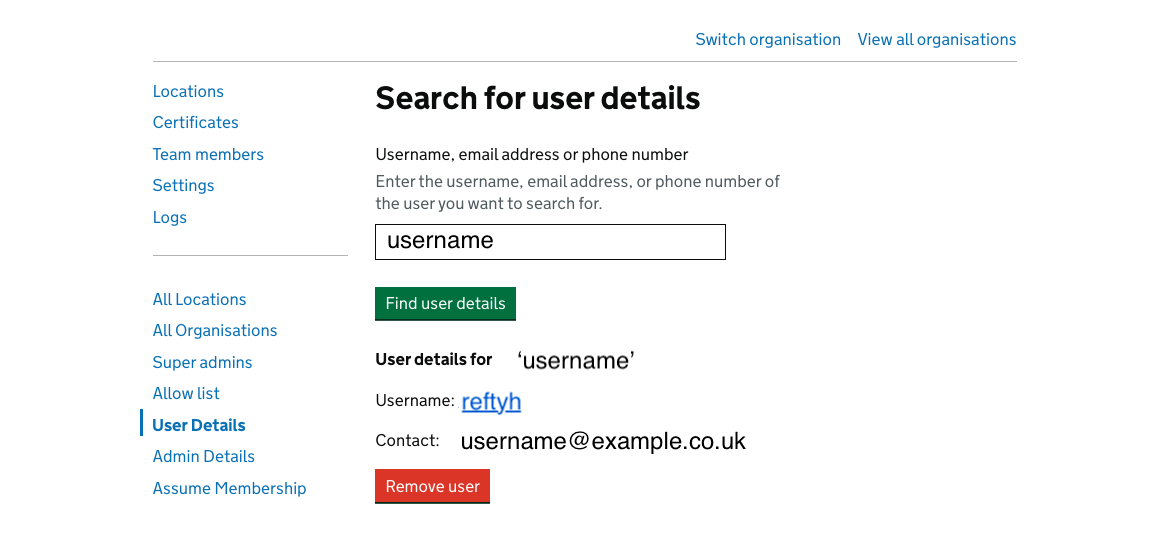
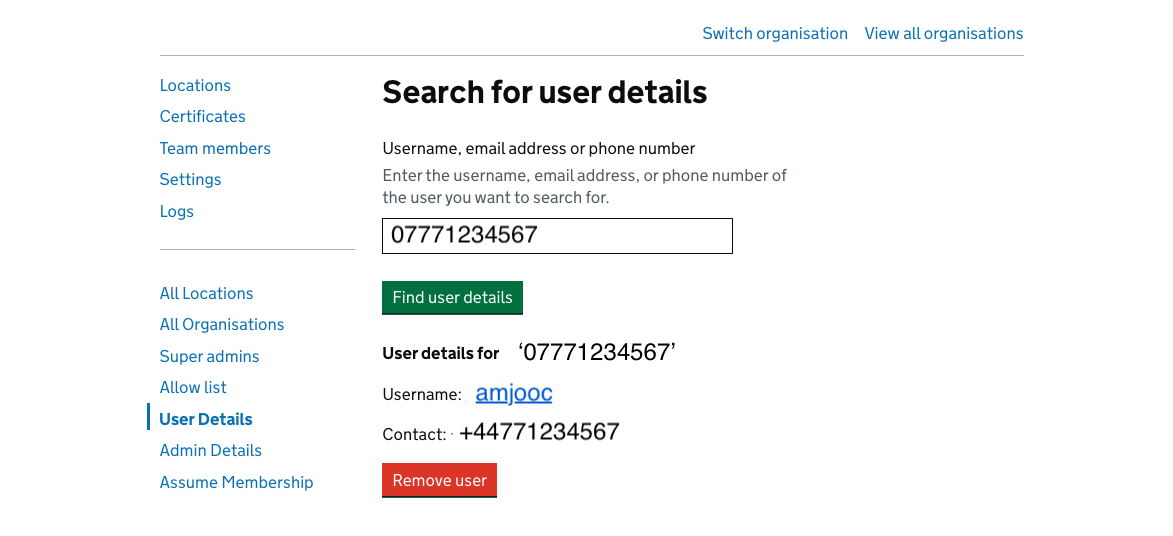
- Enter the username, email address or phone number in the box below, then press ‘Find user details’
The details should then appear underneath for the selected user.
- You have the ability to search via username or phone number.
How to check if an organisation is already on the allow list
Use this before adding a new organisation to avoid duplicates.
-
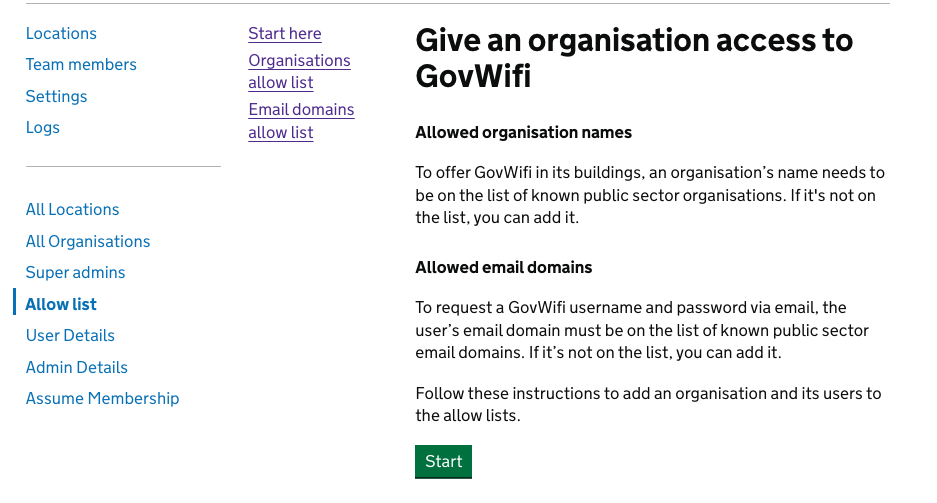
Sign in to the Super Admin portal and go to Allow list, then select ‘Start’
-
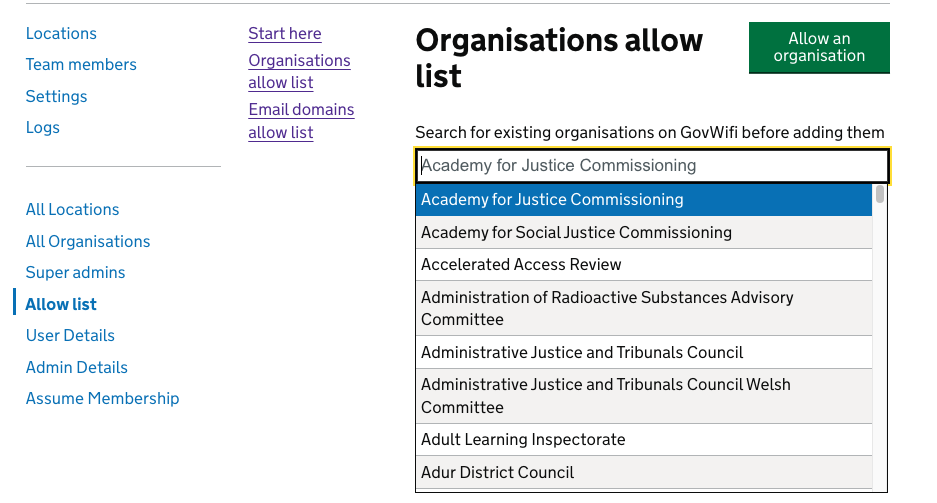
Use the organisation name search on the allow list start page. Check whether the correct organisation is on the list.
-
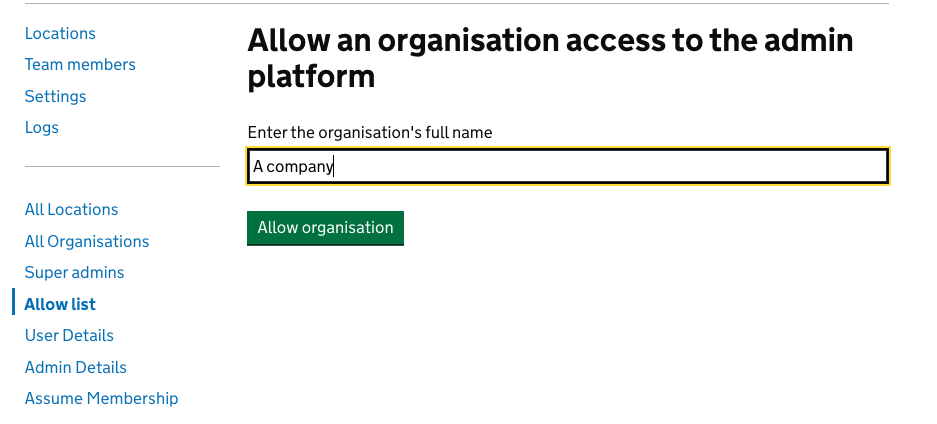
Only add a new organisation or domain if it does not already exist.
-
You will be notified once the organisation has been successfully added