How to remove an email domain
Remove a domain when an organisation no longer uses it for staff email, or you need to stop new GovWifi accounts being created with that domain.
Before removing, check if any active admins still rely on it and follow your internal policy on decommissioning domains.
- Within the admin portal, select ‘Allow list’
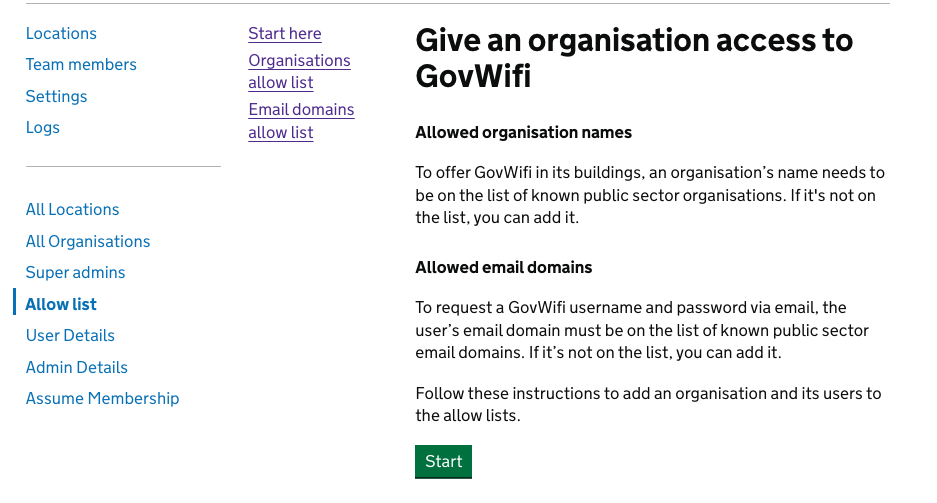
- Select ‘Email domains allow list’
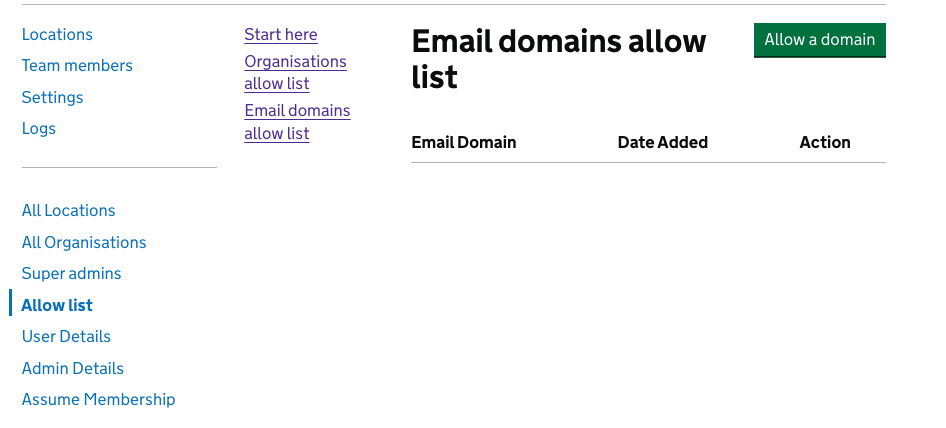
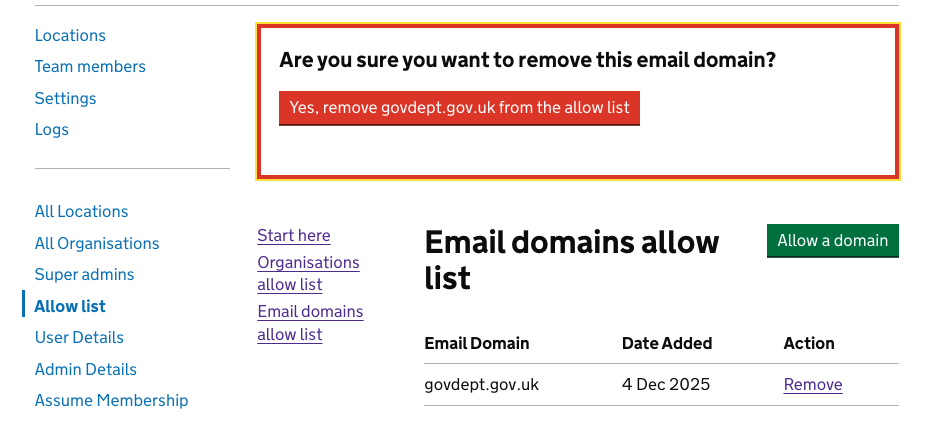
- Search for the email domain you want to remove and confirm you are looking at the correct organisation and domain.
- A banner will confirm the email domain has been deleted.
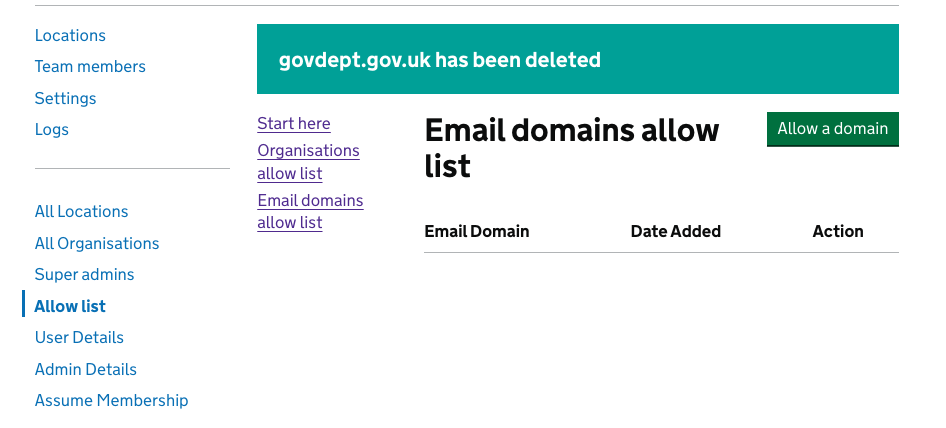
After removal, new users with that email domain will not be able to sign up, but existing credentials may continue to work until they expire or are revoked according to policy.