Super admin manual
What is it?
The Admin Portal is the central interface, used by the GovWifi Team (Super Admins) for system-wide administration and organisation oversight. who manage the allow list, organisations and advanced troubleshooting across all tenants via the Super Admin portal.
How does it work?
The Super Admin Portal allows the GovWifi Team to manage the lifecycle of participating public sector organisations and administer their access to the GovWifi network.
How to look up user details
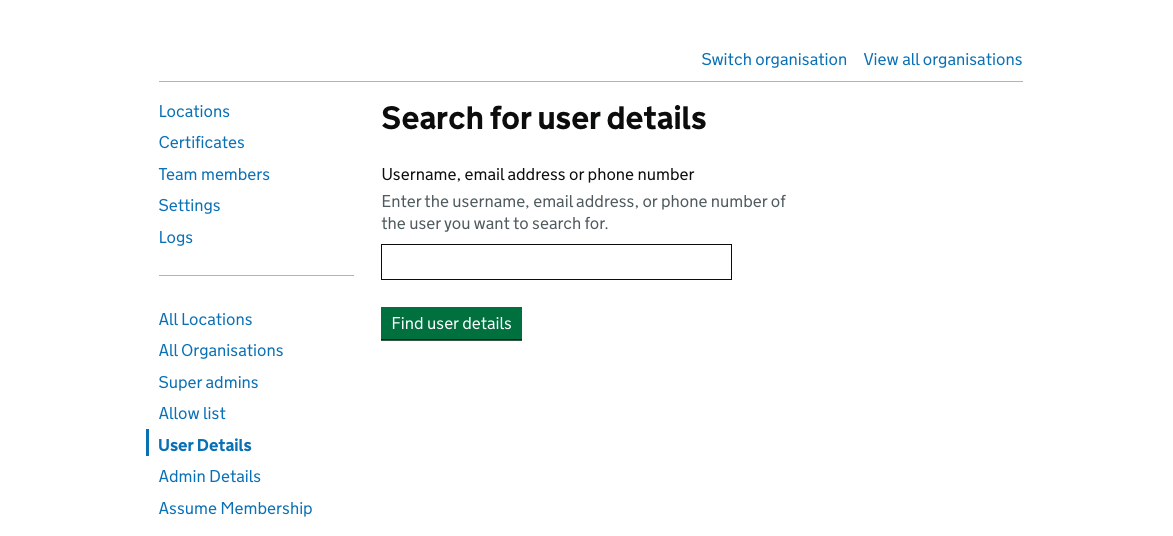
- Once you have logged into the portal.
- On the left hand side menu - select ‘User Details’
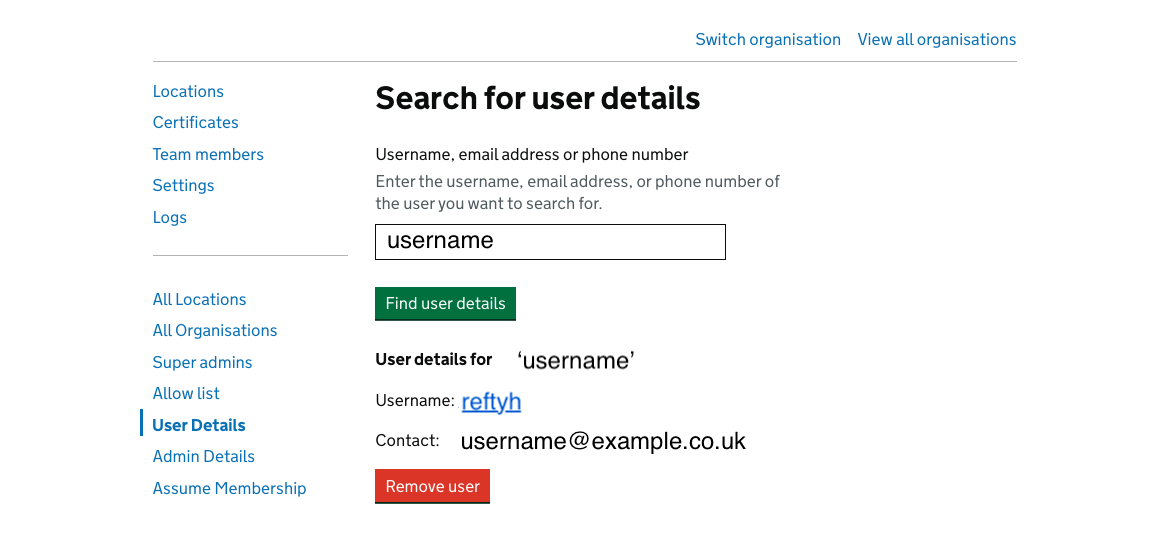
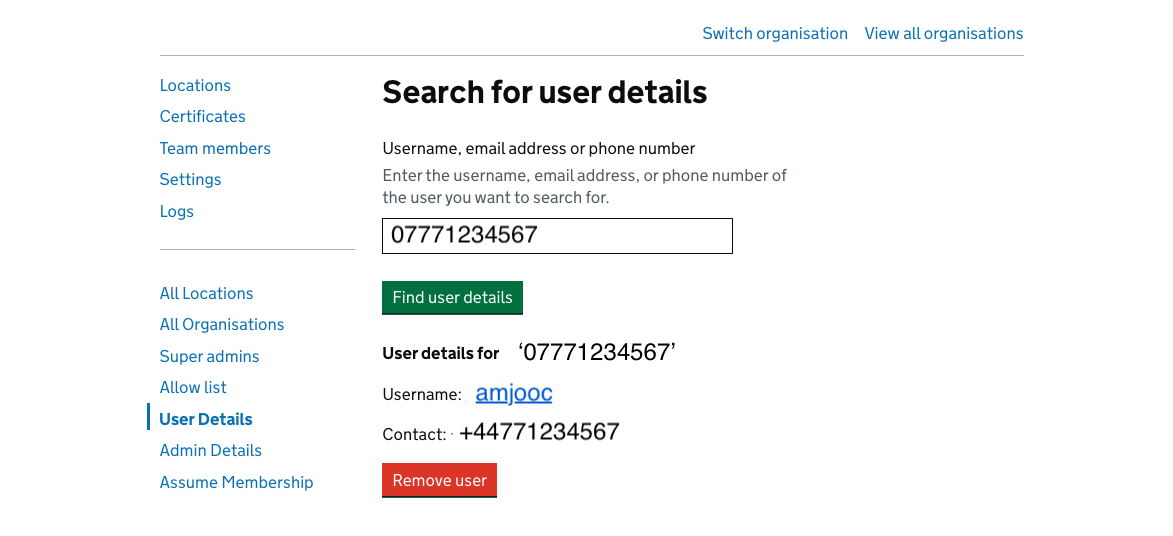
- Enter the username, email address or phone number in the box below, then press ‘Find user details’
The details should then appear underneath for the selected user. - You have the ability to search via username or phone number.
How to check if an organisation is already on the allow list
Use this before adding a new organisation to avoid duplicates.
-
Sign in to the Super Admin portal and go to Allow list, then select ‘Start’
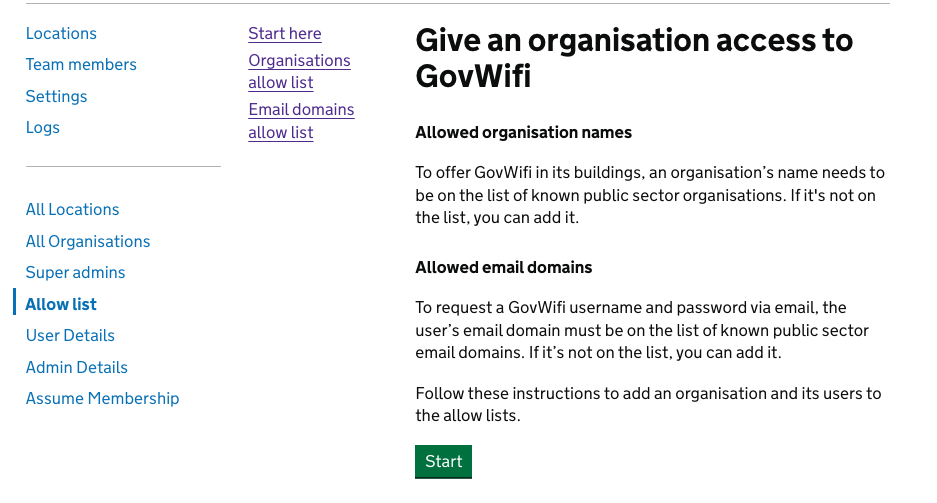
-
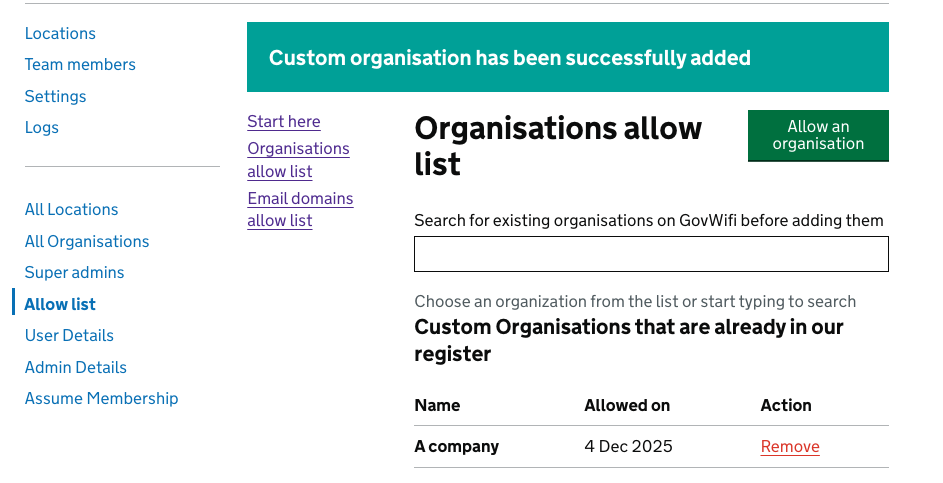
Use the organisation name search on the allow list start page. Check whether the correct organisation is on the list.
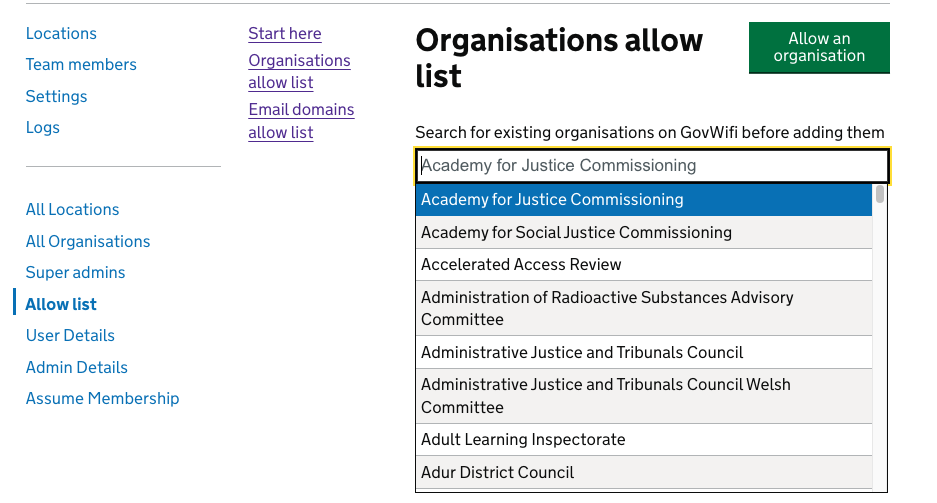
- Only add a new organisation or domain if it does not already exist.
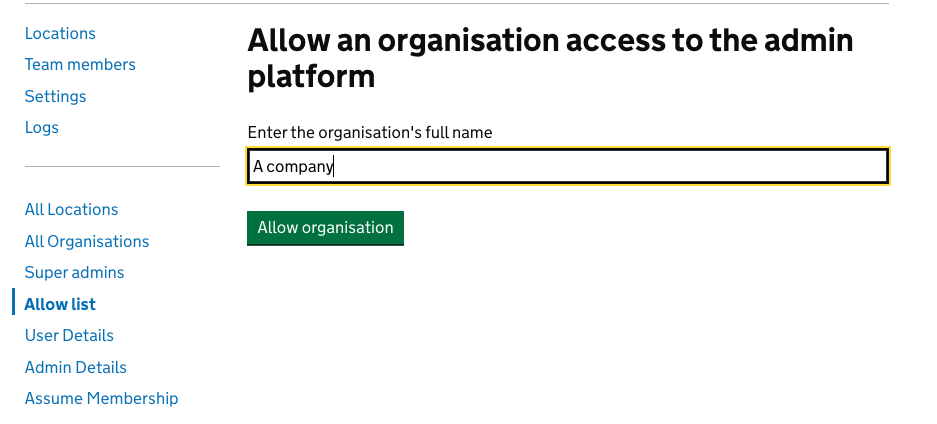
- You will be notified once the organisation has been successfully added